
Marketing your facility from one panel
A flyer, a roadside banner, a Facebook post and a discount code in an email: how do you know which of them brings rentals? In Boxi every channel leaves a trace, and you send the campaign from the same panel where you watch occupancy.
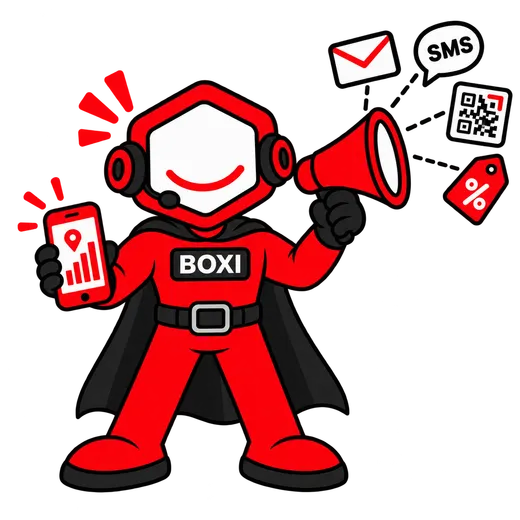
How it works
Three steps, zero phone calls.
- 01
A campaign to selected customers
You choose recipients with filters: facility, contract status, arrears, end date. You write the email in a visual editor, or an SMS under your own sender name, and send it now or schedule it. You see how many recipients got it.
- 02
A discount code and a QR from the flyer
A percentage or fixed code, for the first month or several, with a usage limit, an expiry date and a minimum rent. For every banner or flyer you generate a separate QR code, and Boxi counts the scans and the rentals from each location.
- 03
Listings and conversions
You connect your Google Business Profile and Facebook page once: publish posts and reply to reviews and comments from the panel. On the rental website you enter your Google Tag Manager container ID, and every rental fires a conversion event with the transaction value.
What exactly is inside
- Email campaigns with a visual editor and SMS under your own sender name, to customers chosen by filters, immediately or scheduled
- Percentage and fixed discount codes, for a chosen number of months, with a usage limit, expiry date and minimum rent
- QR codes for a facility, a listing or any address, in three styles, exported as PNG, PDF and SVG
- A separate QR variant per location (banner, flyer, post) counting scans and device type
- Google Business Profile: posts, reviews and replies from the panel
- Facebook page: posts, comments and replies from the panel
- Google Tag Manager on the rental website: container ID in the facility settings, a rental_completed conversion event carrying the rental value
- CRM: leads with activities and files, a waiting list for a sold-out unit size
Content verified against the app: September 2026
Questions and answers
Can I measure Google and Meta ads on the rental website?
Who can I send a campaign to?
How do I know which flyer works?
Demo
See Boxirunning on your own site.
Thirty minutes, about your facility specifically. We show a booking, a gate opened from a phone and an invoice, live.
- A booking and a payment, live
- A gate opened from a phone while you watch
- An invoice in your own accounting system
Prefer to write or call? [email protected] · 728 060 606
Leave an email and a phone number; we will call you back within one working day.