
Customer portal: contract, payment and gate in one phone
Customers call because they forgot the code, want an invoice, or want to know what they have paid for. Every such call costs five minutes. The portal answers those questions by itself.
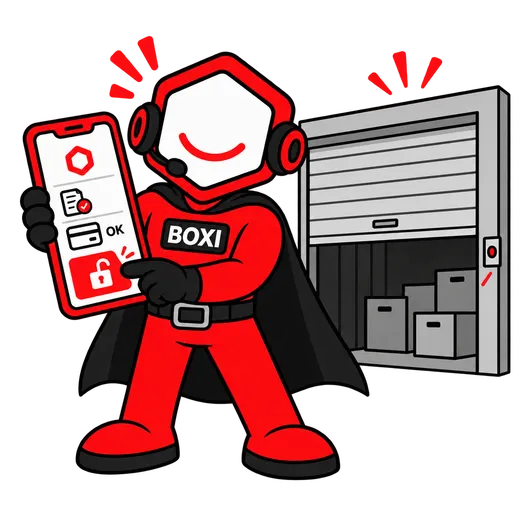
How it works
Three steps, zero phone calls.
- 01
The customer logs in on your website
They see their contracts, invoices and payments. If anything is overdue, that is the first thing they see, with a button to pay it.
- 02
They open the gate and the lock from their phone
The main gate by code or button, the unit's smart lock from the portal. If the lock is asleep, the portal tells them to press the button on the door.
- 03
They add a delegate and end the contract themselves
In the portal the customer says who else may enter the site: a partner, an employee, a courier. The delegate gets their own access with an end date, without passing around the customer's code. When the rental is over, the customer gives notice with one click, and you see it in the panel straight away, together with the end date.
What exactly is inside
- Contracts, invoices and payment history in one place
- Paying arrears by card straight from the portal
- Opening the gate and the smart lock from a phone
- Delegates: access for additional people, with an expiry date
- Giving notice online
- iOS and Android apps in the works; the portal already runs in any browser
Content verified against the app: September 2026
Questions and answers
Can the customer open the gate without internet?
Does the portal work on Android?
Who can add a delegate?
Demo
See Boxirunning on your own site.
Thirty minutes, about your facility specifically. We show a booking, a gate opened from a phone and an invoice, live.
- A booking and a payment, live
- A gate opened from a phone while you watch
- An invoice in your own accounting system
Prefer to write or call? [email protected] · 728 060 606
Leave an email and a phone number; we will call you back within one working day.