
AI assistant: answers the operator and writes the copy
„How do I add a discount?" should not require an email to support. The assistant answers inside the panel and, when it has to, raises a ticket with a screenshot by itself.
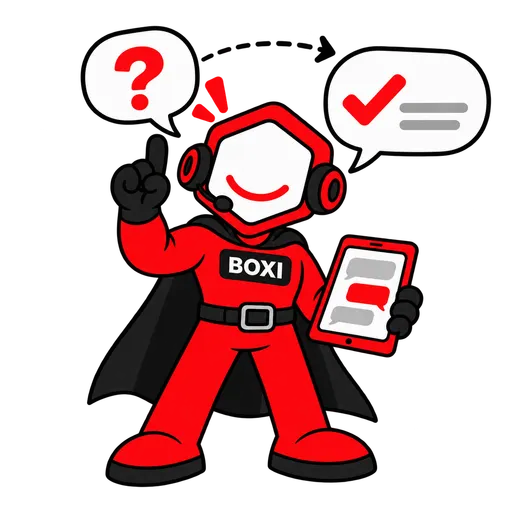
How it works
Three steps, zero phone calls.
- 01
You ask inside the panel
The assistant works out what you are asking and answers within seconds. When it does not know, it says so plainly and passes the question to the Boxi team.
- 02
You report a problem in one sentence
The assistant creates a ticket with a description and a screenshot. The Boxi team receives it immediately.
- 03
You generate copy for your website
A facility description of 80–120 words, directions as bullet points, a listing title. You correct it and publish.
What exactly is inside
- An operator assistant inside the panel, running on Claude Haiku 4.5
- Intent recognition, with knowledge-base answers when the model is unavailable
- A help-desk ticket with an automatic screenshot
- Drafting facility descriptions, access instructions and listing titles
- A usage cap per company and a cost log for every request
Content verified against the app: September 2026
Questions and answers
Does the assistant talk to my customers?
What happens when the model is unavailable?
What copy can it generate?
Demo
See Boxirunning on your own site.
Thirty minutes, about your facility specifically. We show a booking, a gate opened from a phone and an invoice, live.
- A booking and a payment, live
- A gate opened from a phone while you watch
- An invoice in your own accounting system
Prefer to write or call? [email protected] · 728 060 606
Leave an email and a phone number; we will call you back within one working day.